Christmas cut off: The Christmas delivery cut-off date has passed. Delivery before Christmas is not guaranteed. For the best chance of receiving your order in time, please select Express shipping.
Please be advised that our website will undergo maintenance at 5:00 PM. We expect to be back online by 7:00 PM. During this time, the website may not function at full capacity.


Christmas cut off: The Christmas delivery cut-off date has passed. Delivery before Christmas is not guaranteed. For the best chance of receiving your order in time, please select Express shipping.
Please be advised that our website will undergo maintenance at 5:00 PM. We expect to be back online by 7:00 PM. During this time, the website may not function at full capacity.
Currently Browsing
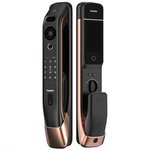
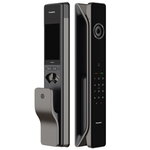
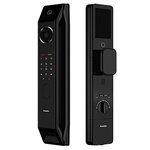
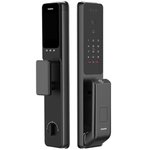
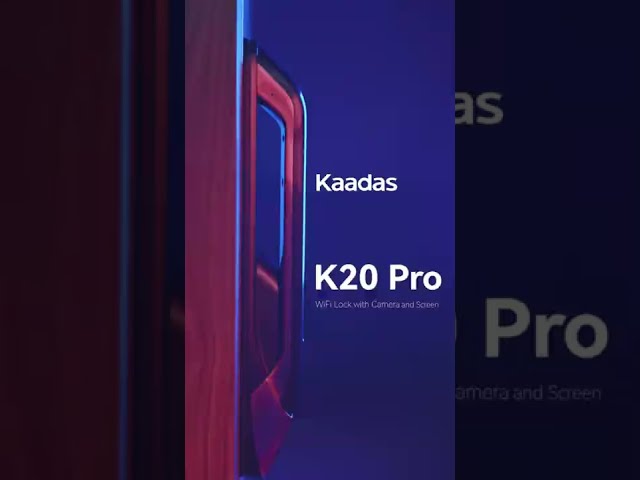
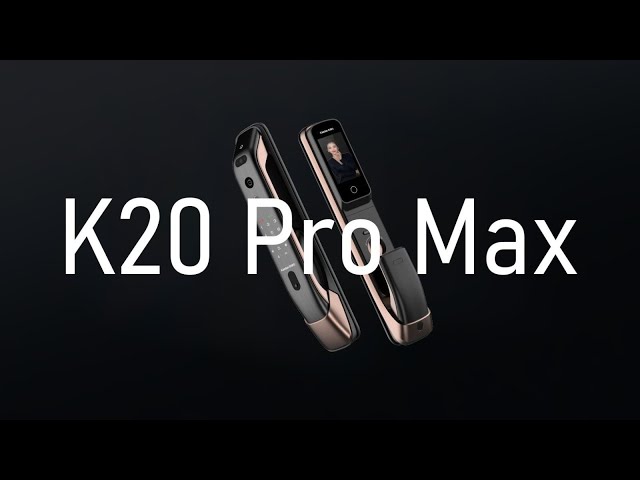
Kaadas K20 Pro Max 3D Face Recognition Wi-Fi Lock with Camera
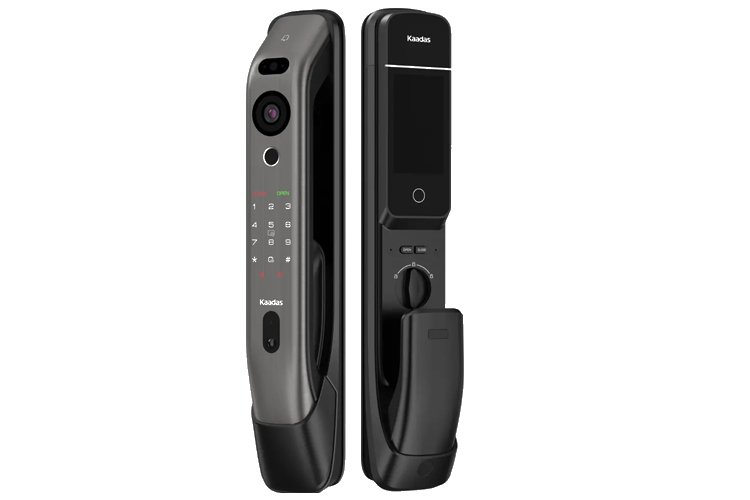
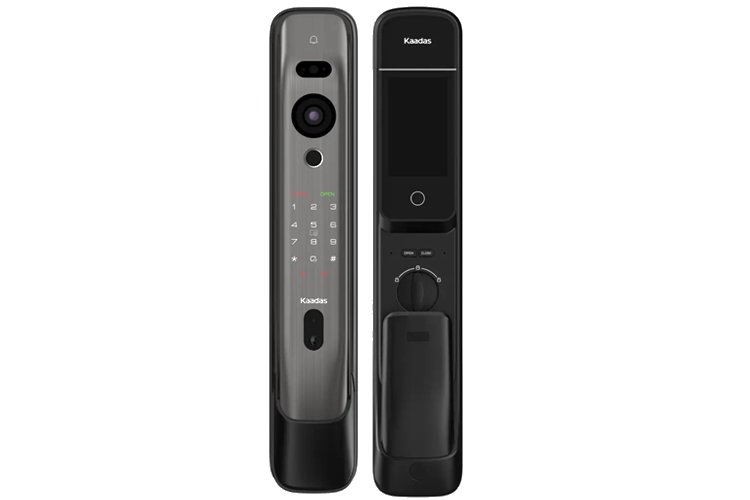

KAADAS K20 Pro Max Smart Door Lock - BLACK
Features:- Face recognition
- Front Camera
- Wi-Fi connection
- 4" IPS screen
- Video intercom
- Motion detection
- Large Capacity Lithium Battery
- Full automatic mortise
- Indoor senspr handle
- Real-time monitoring via app
- Cutting-endge technology
- Mortise: 60mm backset
- Avoid significant facial coverings like sunglasses, baseball caps, masks, or a thick beard when using this lock.


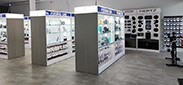
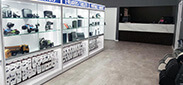
Browse photos of recent installation jobs completed by our professional installers on Kaadas Locks.
Smart Lock Installation - Melbourne
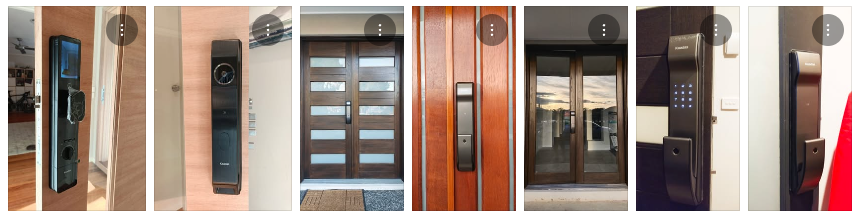
TLC Security Pty Ltd - Melbourne
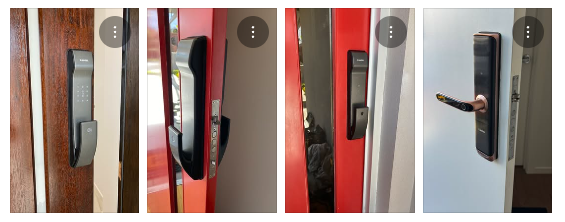
Stellar Home Solutions - Sydney
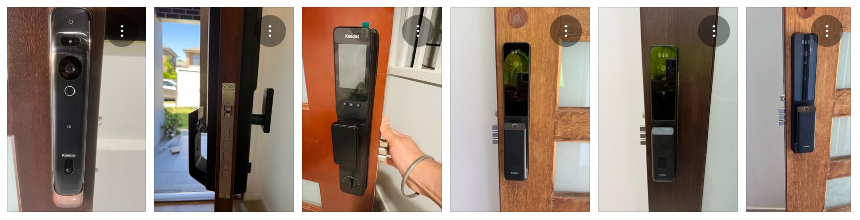
Questions & Answers
What are the ways to unlock the Kaadas K20 Pro Max?
You can unlock it with 3D face recognition, a fingerprint, a PIN code, an RFID card or the mechanical key. Face recognition works best without big face coverings like sunglasses, caps, masks or a thick beard.
Can I see who is at the door with the Kaadas K20 Pro Max?
Yes. It has a front camera and a built-in doorbell. When someone rings, you can see them on the 4" screen on the inside panel, and through the Kaadas app you can view live video and talk to them.
Does the Kaadas K20 Pro Max need a Wi-Fi bridge or hub?
No. Wi-Fi is built in, so it connects straight to your home Wi-Fi without a separate bridge.
What battery does the Kaadas K20 Pro Max use?
It uses a rechargeable lithium battery pack rather than AA batteries. When the low battery warning comes on, recharge the pack. If it runs flat you can power the lock temporarily through the USB-C emergency power port, or use the mechanical key.