Christmas cut off: The Christmas delivery cut-off date has passed. Delivery before Christmas is not guaranteed. For the best chance of receiving your order in time, please select Express shipping.
Please be advised that our website will undergo maintenance at 5:00 PM. We expect to be back online by 7:00 PM. During this time, the website may not function at full capacity.


Christmas cut off: The Christmas delivery cut-off date has passed. Delivery before Christmas is not guaranteed. For the best chance of receiving your order in time, please select Express shipping.
Please be advised that our website will undergo maintenance at 5:00 PM. We expect to be back online by 7:00 PM. During this time, the website may not function at full capacity.
Currently Browsing
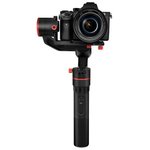
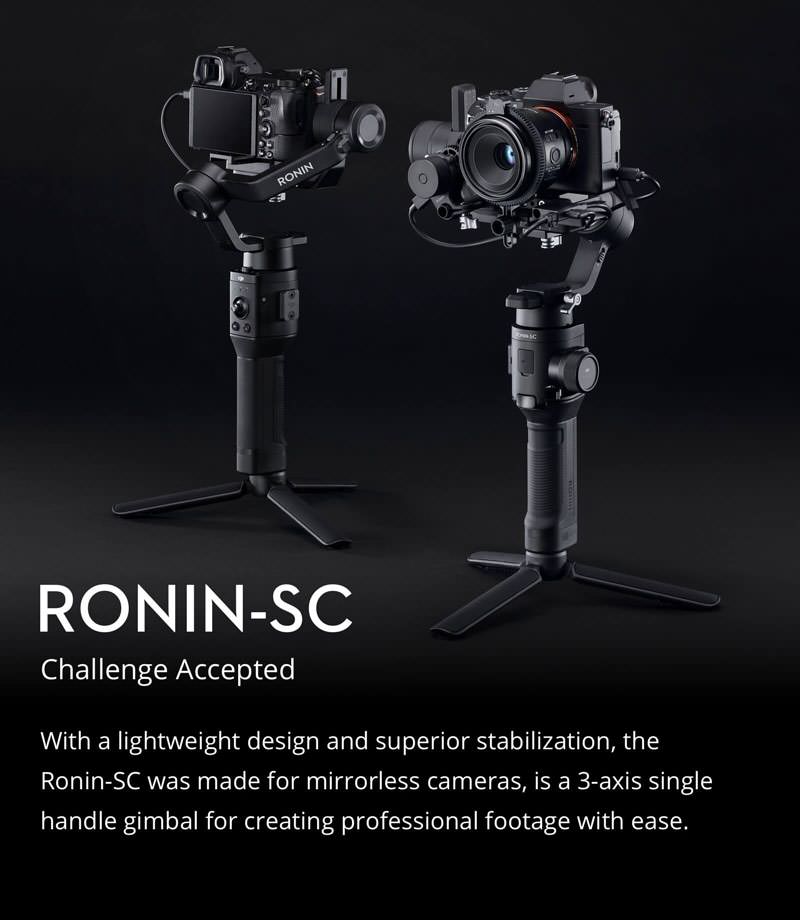
DJI Ronin SC 3-Axis Motorised Handheld Gimbal Stabiliser
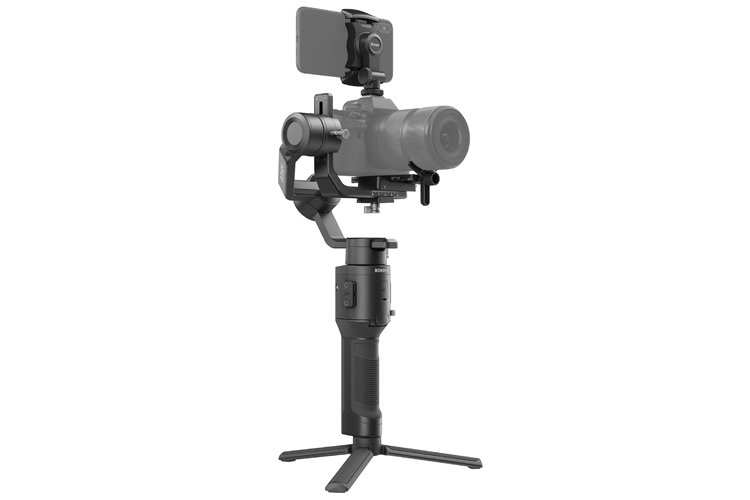
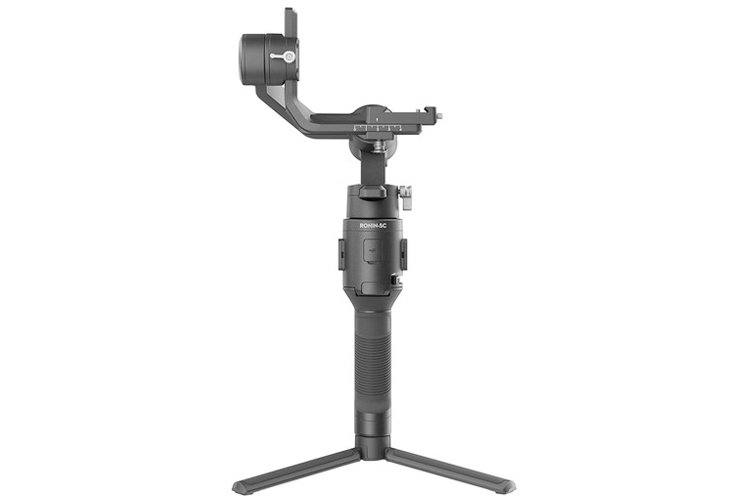
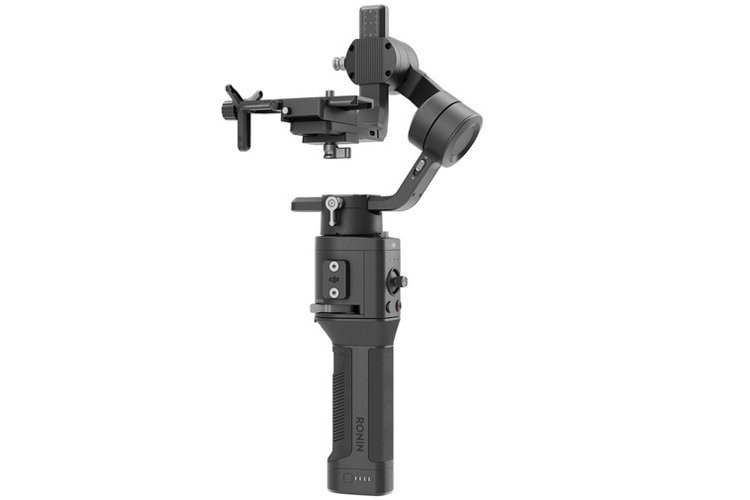
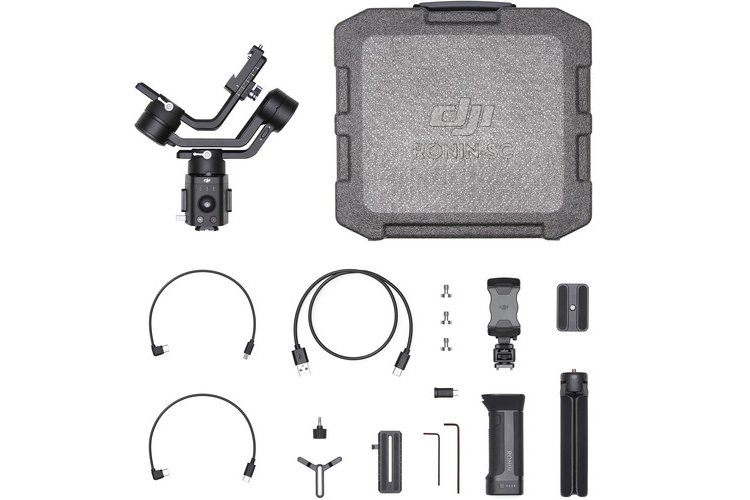


Ronin-SC 3-Axis Gimbal Stabilizer
- Three-Axis Motorized Gimbal Stabilizer
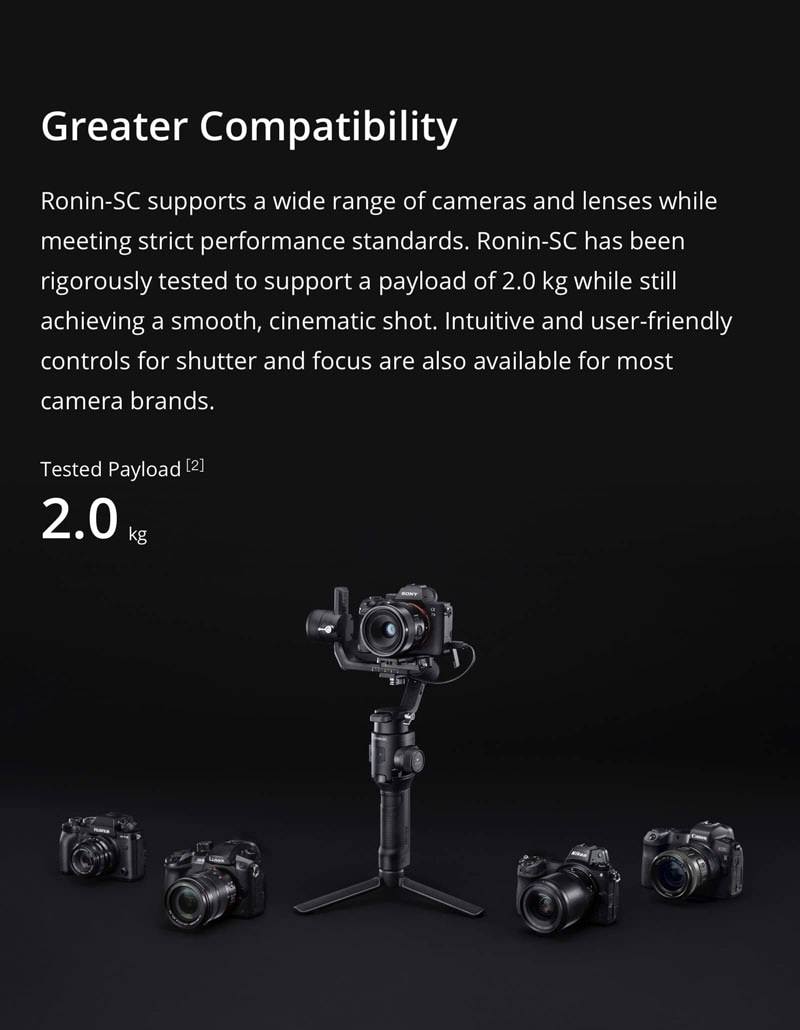
- Designed for Mirrorless Cameras
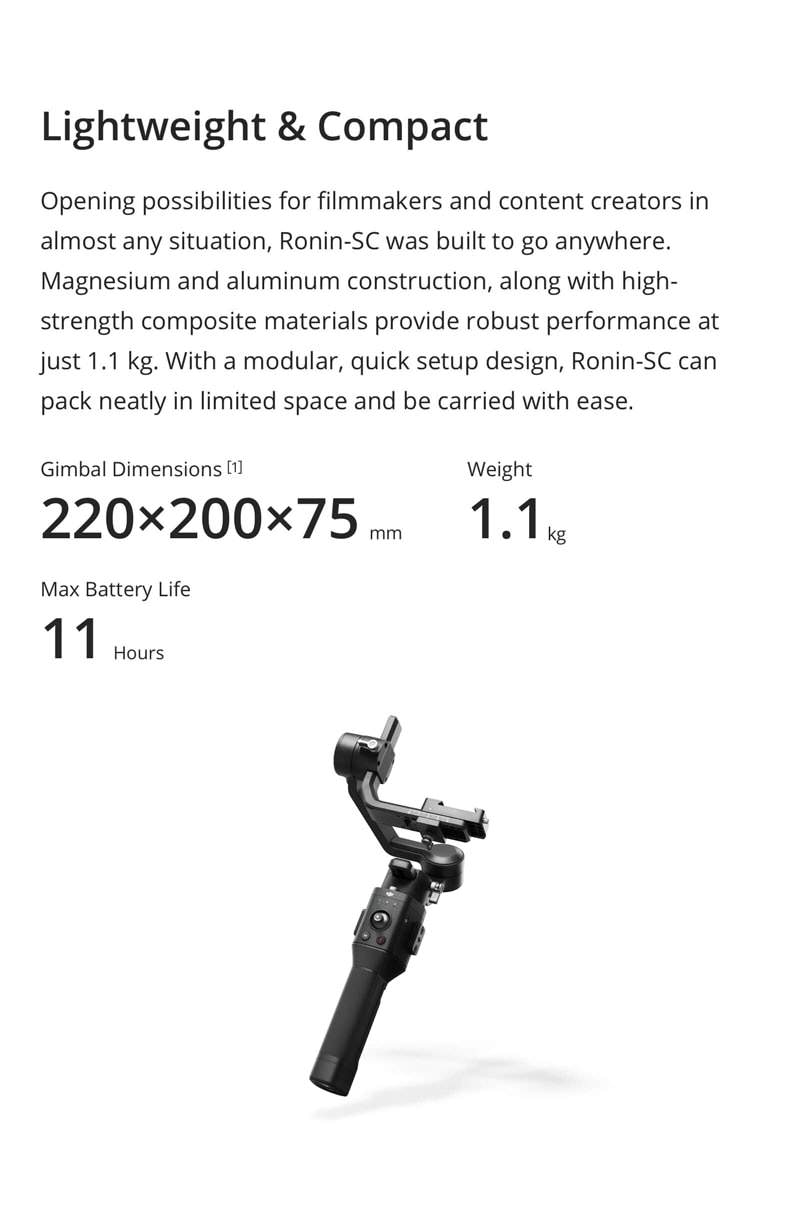
- One-Handed Operation, 4.4 lb Max. Load
- Force Mobile Smartphone Control
- ActiveTrack 3.0 Subject Tracking
- 360° Panorama & Time-Lapse Control
- Battery Grip Lasts up to 11 Hours
- USB Type-C & Bluetooth Control
- Motor Protection, Quick Release Slider
- Control & Configure via Android/iOS App
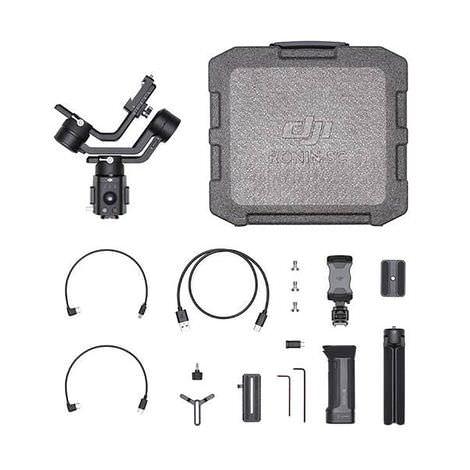
* DISCLAIMER: Design, features and specifications subject to change without notice. Some features in videos on the Internet may not be available on all models, please contact us for the TECHNICAL SPECIFICATIONS for a complete list of features by model. This feature list is for reference only, please contact us to verify features and functionality.
Note: This video is strictly for reference and illustration purposes only. Actual product design and/or inclusions may vary. Please refer to product description for full details, or contact us if you have any questions or specific requirements.
Questions & Answers
What is the difference between Ronin-SC and Ronin-S?
The Ronin-S is a professional handheld stabilizer that is designed for large and heavy cameras such as DSLRs and larger mirrorless cameras. The Ronin-SC is built for mirrorless cameras. Compared to the Ronin-S, the Ronin-SC is lighter, more comfortable to carry around, and is more flexible when moving at a fast-paced while filming.
What is the purpose of the slider on the quick-release plate?
The slider on the quick-release plate is used to help formulate the perfect balancing position for your camera, as well as secure the balancing position of the tilt axis.
How do I manually adjust the gimbal direction?
You can do so by selecting "User Profile" in the Ronin app. Simply enable "Push Pan".
What is the battery life on the Ronin-SC?
While the Ronin-SC is fully charged and well balanced, it can be used for up to 11 hours.