Christmas cut off: The Christmas delivery cut-off date has passed. Delivery before Christmas is not guaranteed. For the best chance of receiving your order in time, please select Express shipping.
Please be advised that our website will undergo maintenance at 5:00 PM. We expect to be back online by 7:00 PM. During this time, the website may not function at full capacity.


Christmas cut off: The Christmas delivery cut-off date has passed. Delivery before Christmas is not guaranteed. For the best chance of receiving your order in time, please select Express shipping.
Please be advised that our website will undergo maintenance at 5:00 PM. We expect to be back online by 7:00 PM. During this time, the website may not function at full capacity.
Currently Browsing
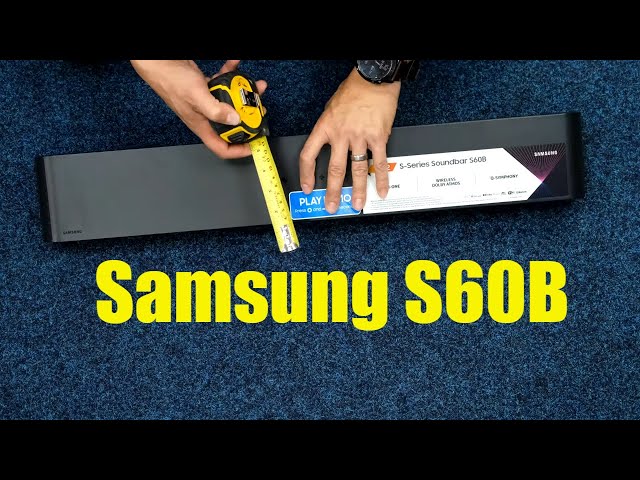
Samsung HW-S60B/XY S-Series 5.0 Channel All-In-One Soundbar
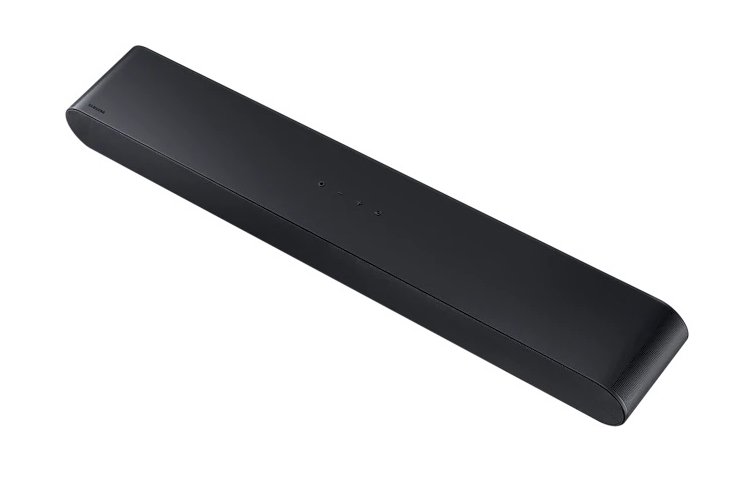
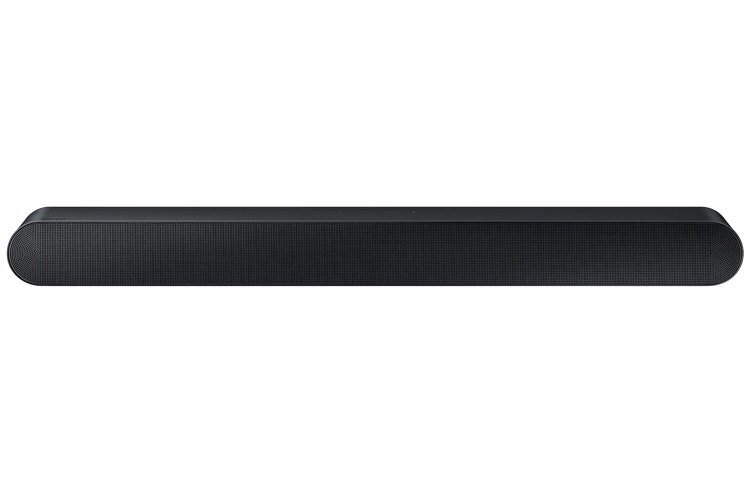





Samsung HW-S60B/XY S-Series Soundbar
The S60B is designed to complement your style. The soundbar's classic design mixes natural expression with dimension and durability—the texture and curved shape combined with cutting-edge technology complements the excellent sensation of room-filling sound.
Immerse yourself in wireless 3D cinematic sound with the world's first Wireless Dolby ATMOS & DTS Virtual:X connection for a sound that wraps around you.
Features:
- Built-in Centre Speaker
- Wireless Dolby ATMOS & DTS Virtual:X
- Total Sound Collaboration
- Premium Lifestyle Design
- Samsung Q-Symphony
- SpaceFit Sound+
- Adaptive Sound
- Active Voice Amplifier
- Smart Connectivity

Questions & Answers
How do I connect the soundbar to the TV via SmartThings?
1) Download and install SmatThings app on your device. 2) Open up the app then press on the '+' followed by 'Add device'. 3) Select 'Samsung' then 'Soundbar'. 4) Tap on start then press the Volume Down button on your soundbar when instructed. 5) Select your WiFi network. Finished!