Christmas cut off: The Christmas delivery cut-off date has passed. Delivery before Christmas is not guaranteed. For the best chance of receiving your order in time, please select Express shipping.
Please be advised that our website will undergo maintenance at 5:00 PM. We expect to be back online by 7:00 PM. During this time, the website may not function at full capacity.


Christmas cut off: The Christmas delivery cut-off date has passed. Delivery before Christmas is not guaranteed. For the best chance of receiving your order in time, please select Express shipping.
Please be advised that our website will undergo maintenance at 5:00 PM. We expect to be back online by 7:00 PM. During this time, the website may not function at full capacity.
Currently Browsing
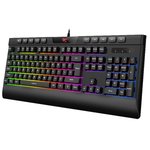
Havit Rainbow Backlit Wired Gaming Keyboard & Mouse Combo Black
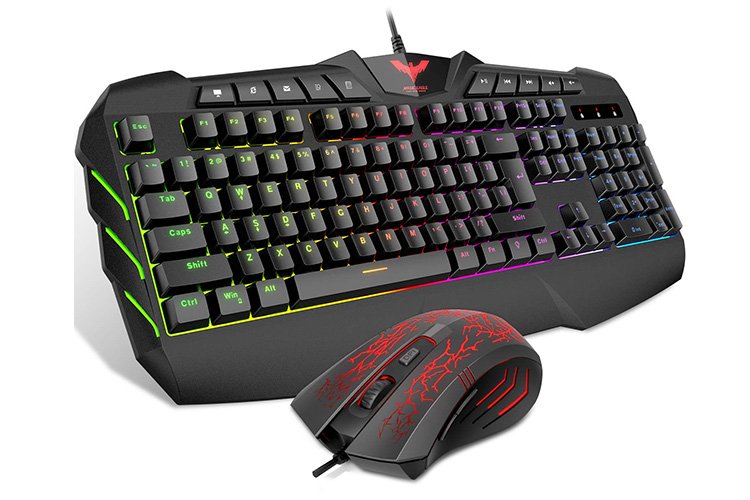



LED Backlit Gaming Keyboard & Mouse Combo
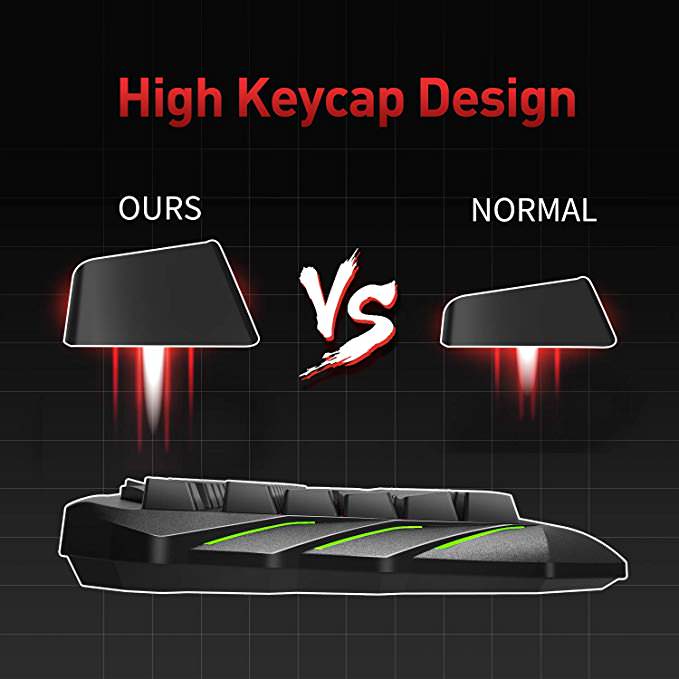
Keyboard
- 104 standard keys
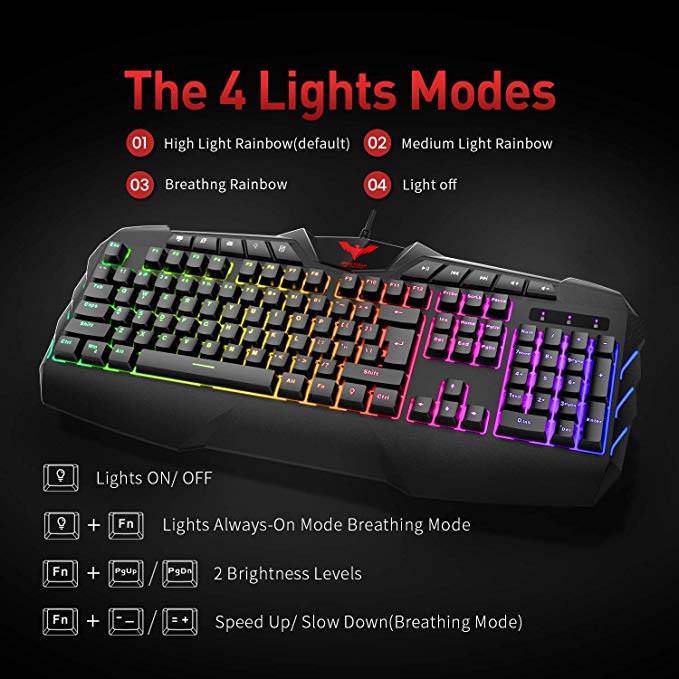
- Adjustable nacklit LED
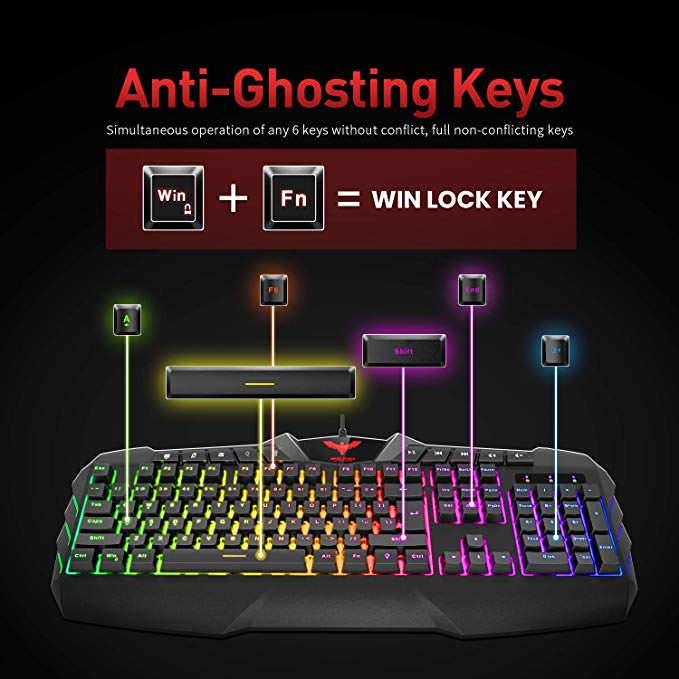
- 19 anti-ghosting keys
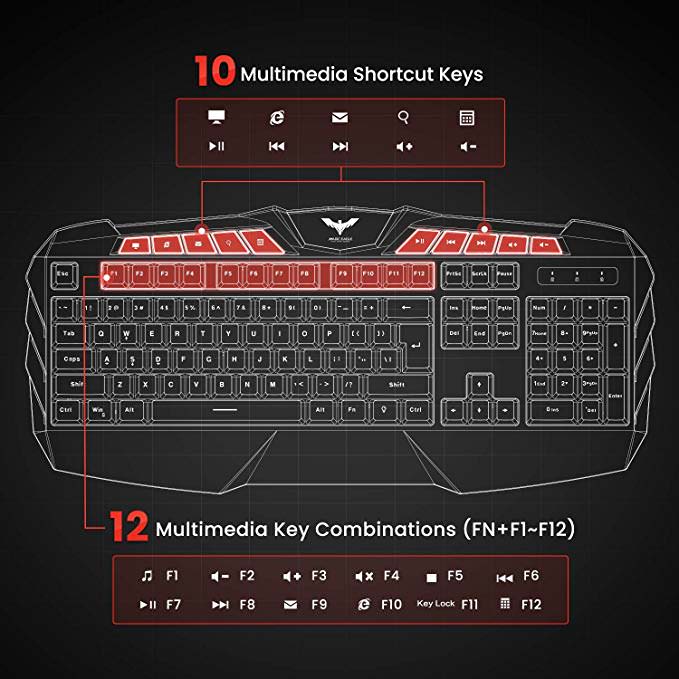
- Multimedia function keys
- 2-level supporting foot
- Auto sleep
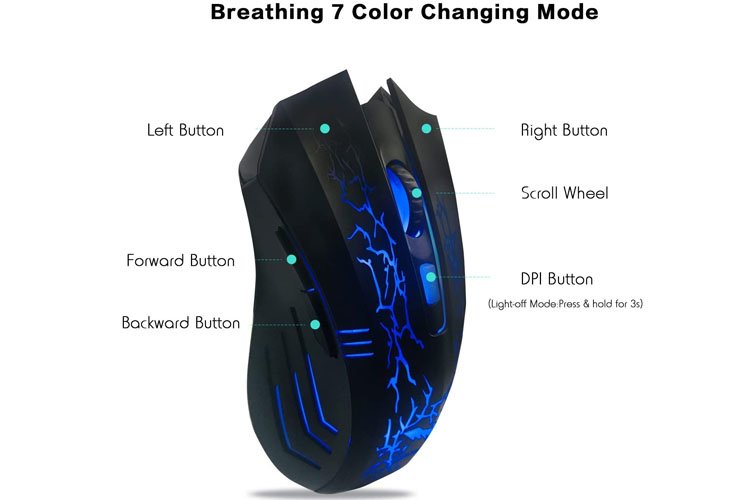
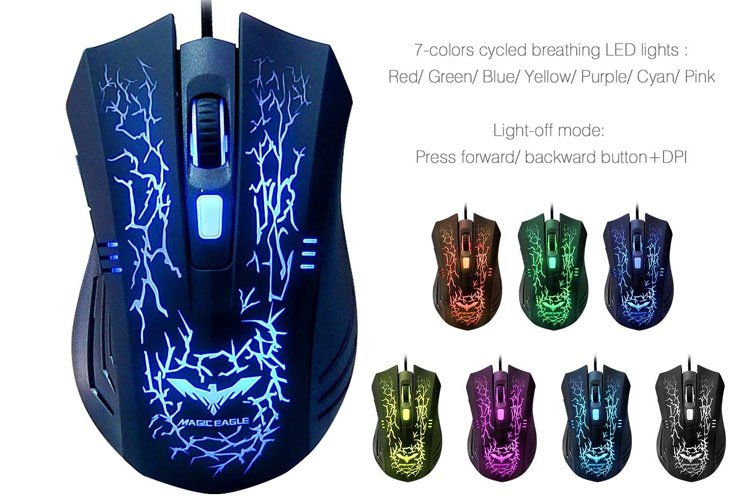
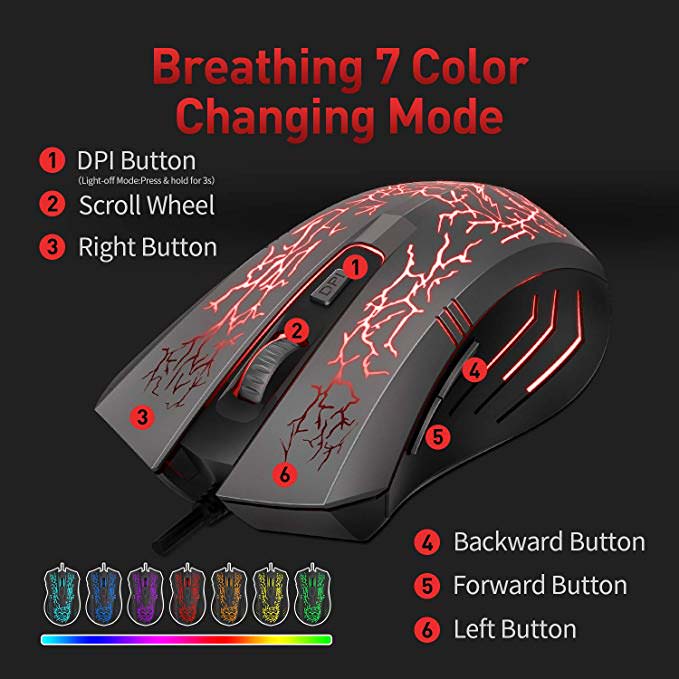
Mouse
- Magnetic ring
- Gold plated plug
- Woven cord
- Micro switches
- Up to 2400 of mouse DPI
Questions & Answers
I have an mac desktop and it does not have a tower. Where do I plug this keyboard in or is it wireless?
Doesn't it have a USB port on the side or back of the monitor? It is not a wireless keyboard or mouse.
So I enabled the windows key lock feature somehow, and I don't know how to enable it again. I did it through some shortcut, but i can't find out how to turn it back on.
Please press FN+F12 to lock/unlock the win key.
I want to program mouse buttons but do not find an app or Drivers?
This mouse is not designed as a programmable mouse. There is third party software that can program traditional mouse, but as they are third-party software, we cannot control any risk that may be caused by them, so please use them with caution.
I'm wondering if this is compatible with the standard interfacing of a PS4?
The HV-KB558CM is mainly designed for PC and is not compatible with PS4.